
10X Festive Greetings Creation: From 2hrs to 1min with this AI tool!

Problem:
Do you have a habit of sending festive greetings to friends, family, and colleagues?
Personally, I do. In the past, I typically spent about 2 hours on this task. With the help of this AI tool, I can now do it in under 1 minute.
Google search for a festive theme under 'image'.
Browse a few pages until I find one to my liking.
Download and edit the image in Photoshop or use the online editor Photopea.
Solution:
Since the boom of AI image generation in Nov 2022, I have tested a few of them:
bing.com/create (free with limited credits)
Tweethunter (paid)
Copilot (free)
Microsoft SwiftKey (free)
For now, my personal favourite is Microsoft SwiftKey. Why?
Pros:
Integrated into mobile devices.
Faster image generation speed.
Provides 4 options from each prompt.
Previously, if you accidentally tapped outside the generation prompt, the whole process reset. After recent updates, even if you accidentally tap outside, it will continue processing your prompt. When you return, the output is still available for you to pick.
FREE! with speed & quality.
Cons:
Cannot be used on desktops. (Workaround: Generate from mobile and copy to Notion, then access it from Notion desktop.)
Weekly Quest:
1 Small, Simple, Specific Action in 5 Minutes.
Here are the steps:
Download Microsoft SwiftKey keyboard from the App Store or Play Store.
In your phone settings > keyboard list, switch to Microsoft SwiftKey.
Try typing a message on any app.
Tap on the GIF icon and look for the 'create' button.
Input your AI image prompt and wait for the output.
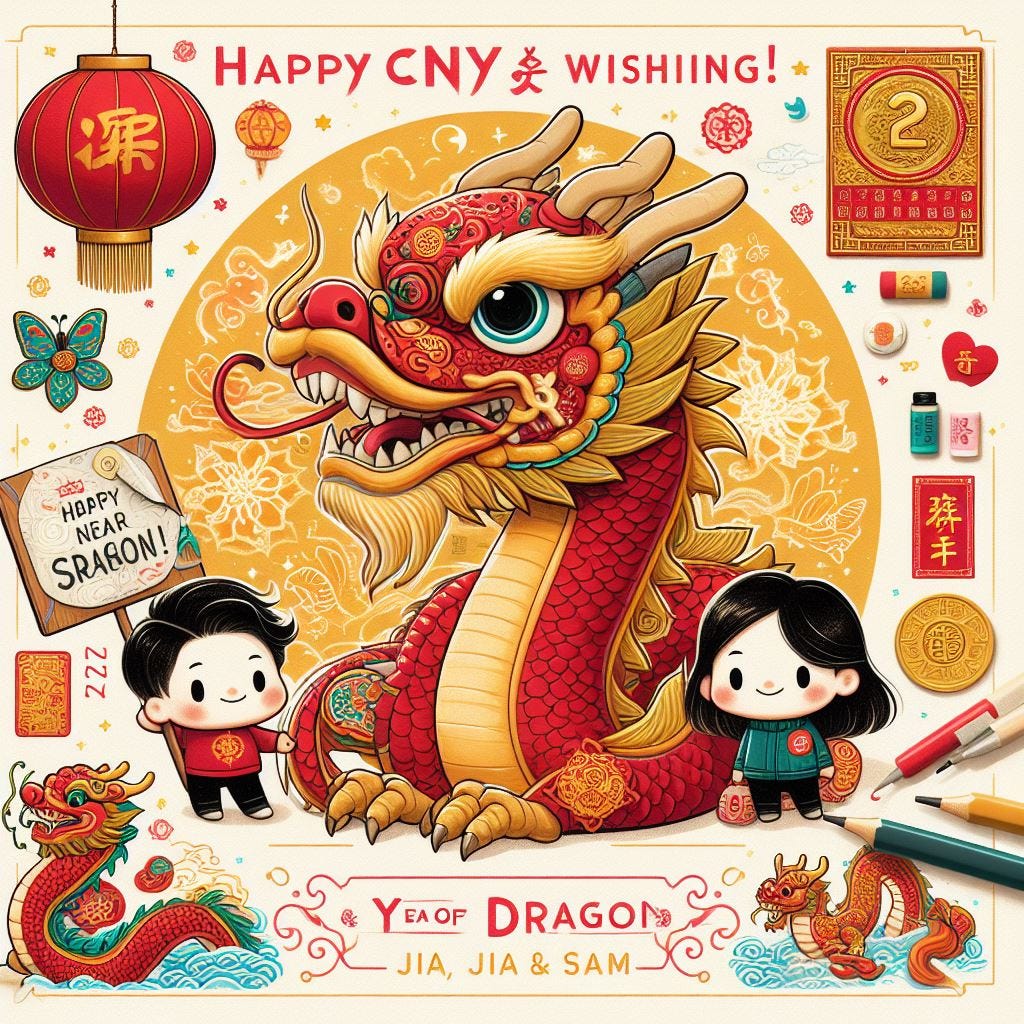
Here’s the prompt I used for Chinese New Year.
Create a cny wishing for 2024 year of dragon. Add a sign-off "Jia Jia & Sam" at the bottom right.
Video Guide:
Make it smaller: Go to the App Store or Play Store and search for “Microsoft Swiftkey”.
Still finding it hard? Click here to download Microsoft Swiftkey.
If you found this helpful, please reshare this post with your network and subscribe to my newsletter for Weekly Quest."